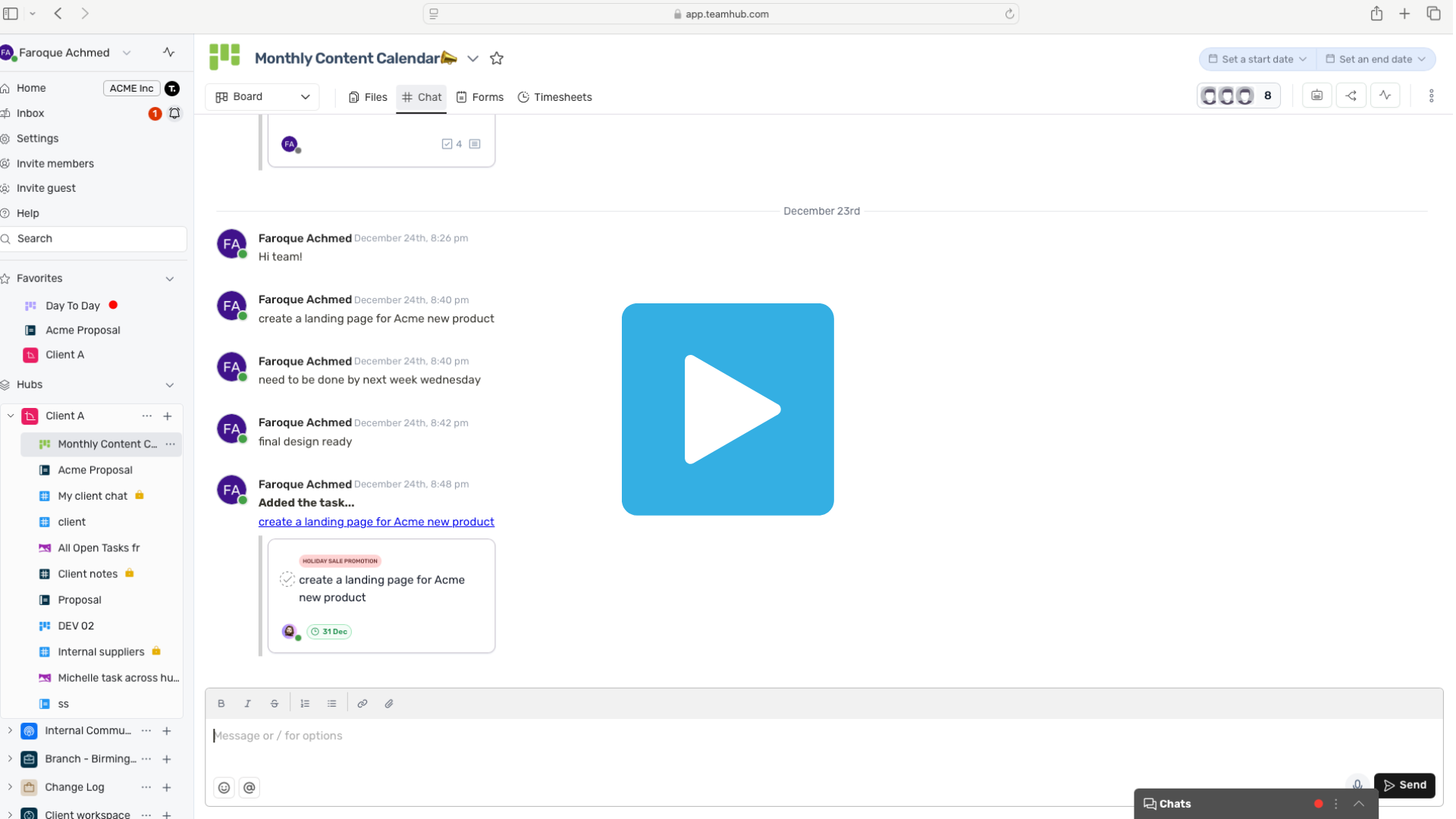
New to Teamhub? This series covers all the essentials, navigating the platform, creating tasks, organizing projects, collaborating, managing files, and automating work. Get confident using Teamhub in minutes.
Getting started
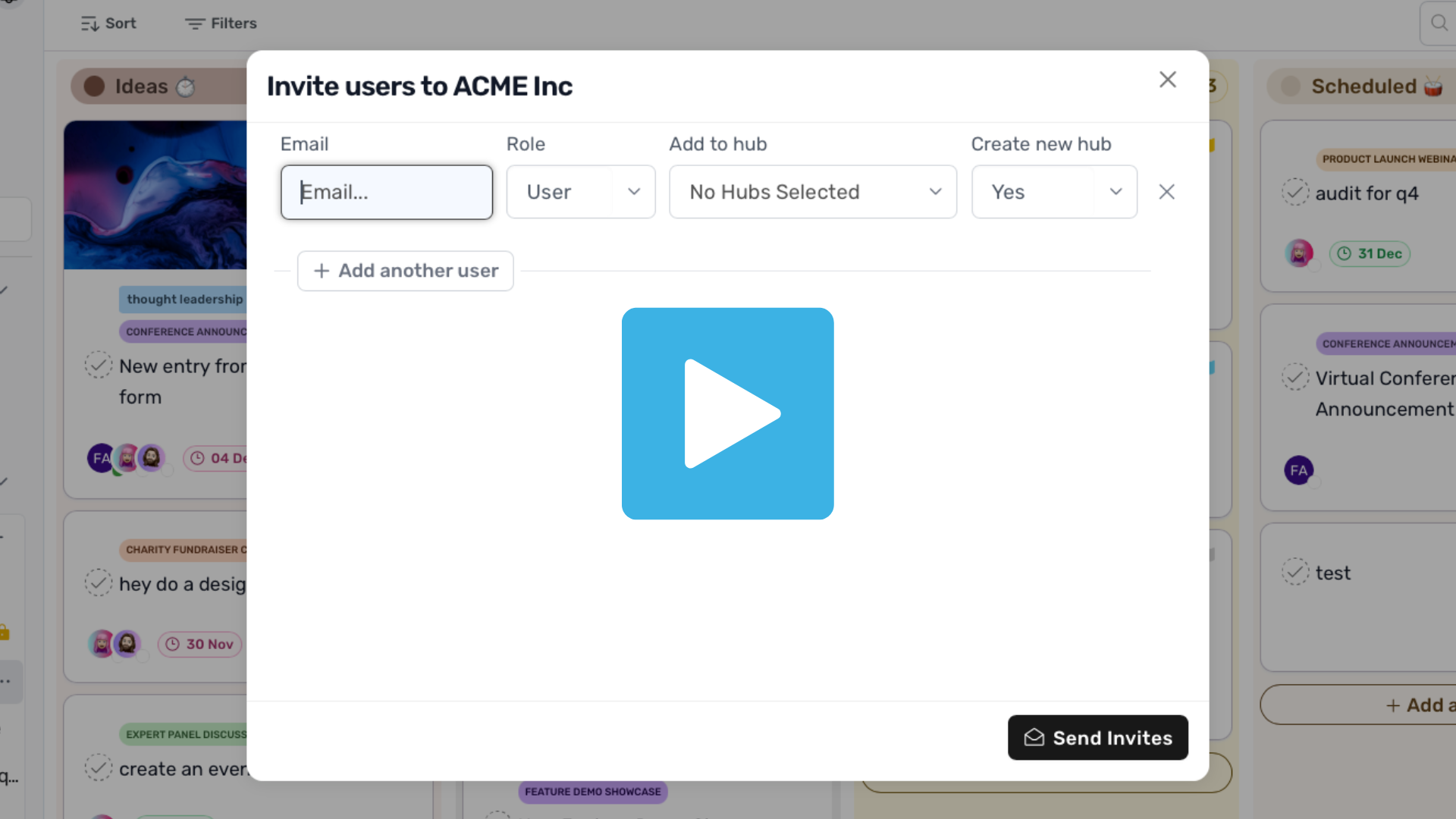
Invite members or guest users
0:43m Invite members or guests to your hub so your team and external collaborators can join instantly.
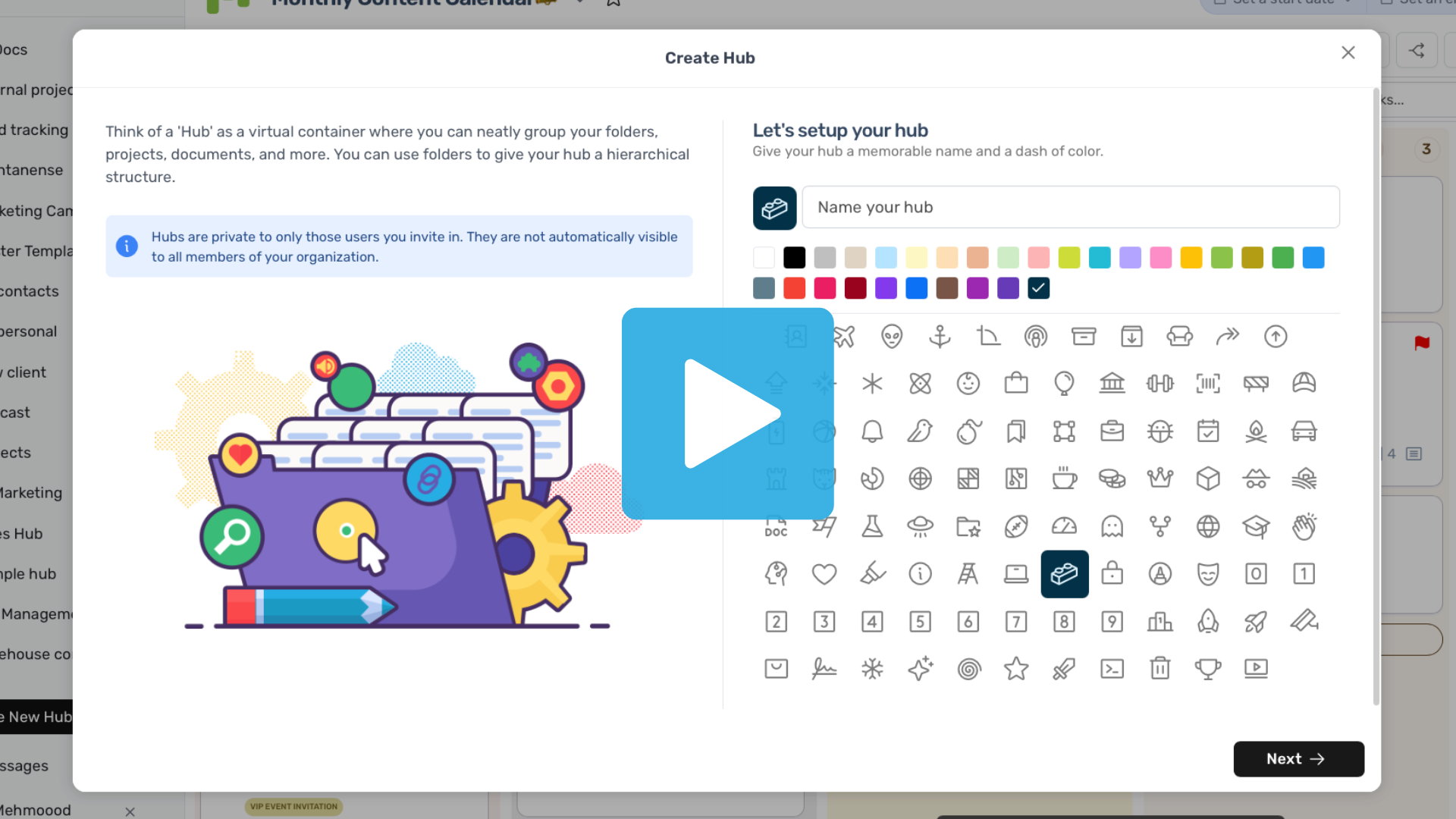
How to create a hub
0:33m Create a new hub, set your workspace details, and organize your team in just a few clicks.
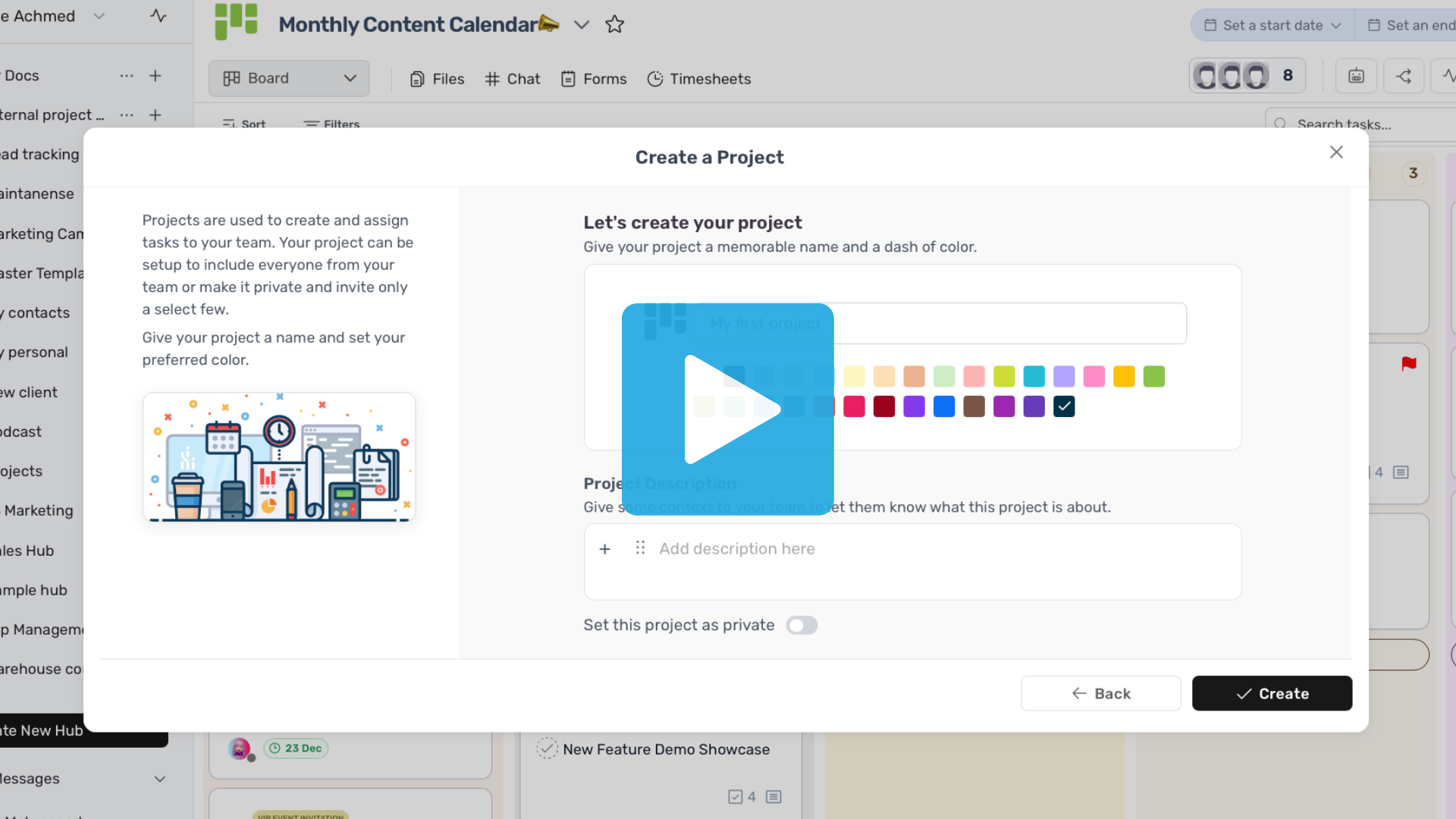
How to create a project
0:51m Create a project in minutes. Customize it, add members, and start building your workflow
How to set up statuses
0:24m Create custom statuses to match your workflow and track progress clearly.
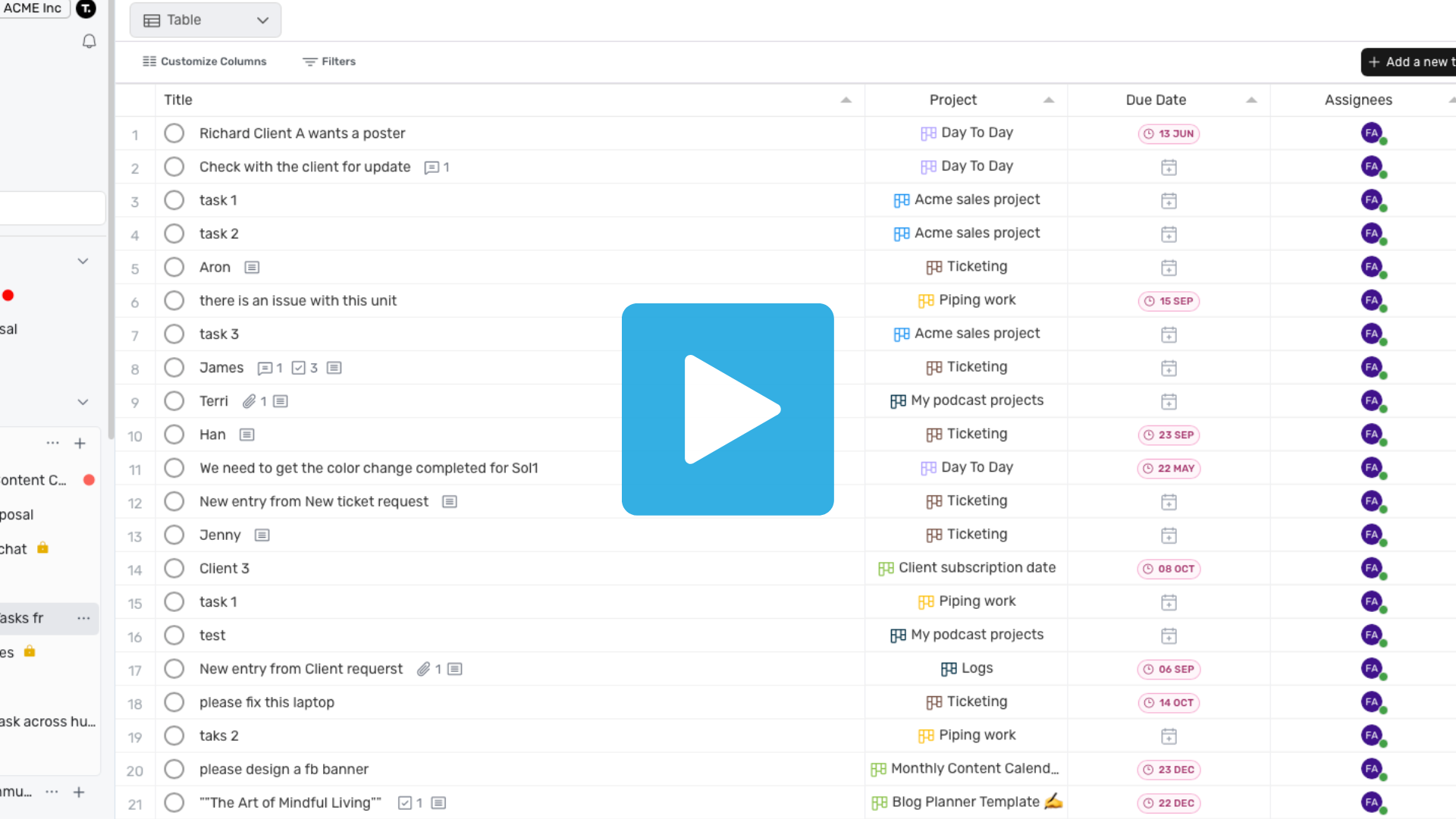
Viewing your daily tasks
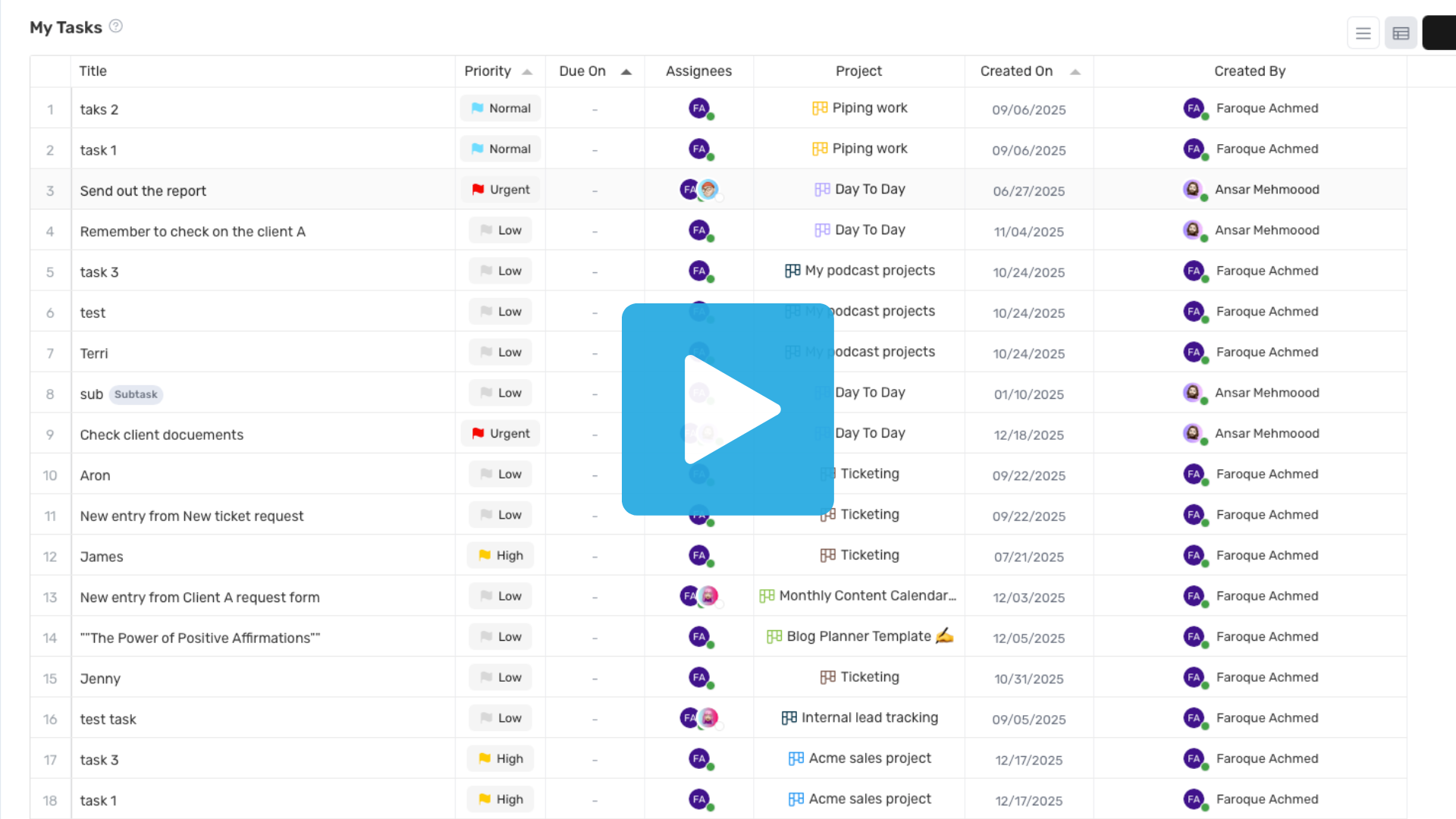
0:16m See all your tasks for the day in one focused view.
Switching your project views
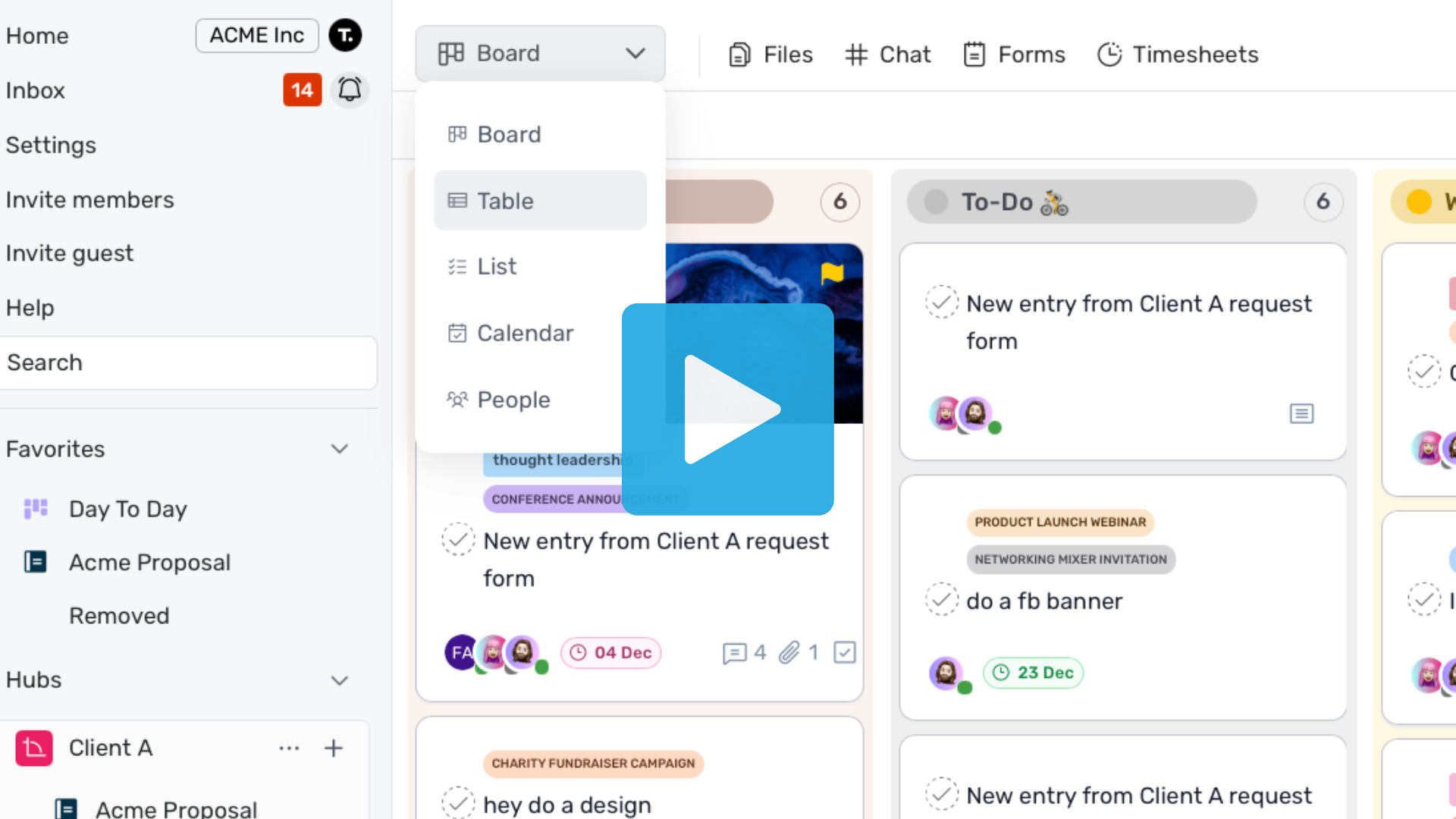
0:30m Switch views instantly to see your work from different angles.
Customizing project's column
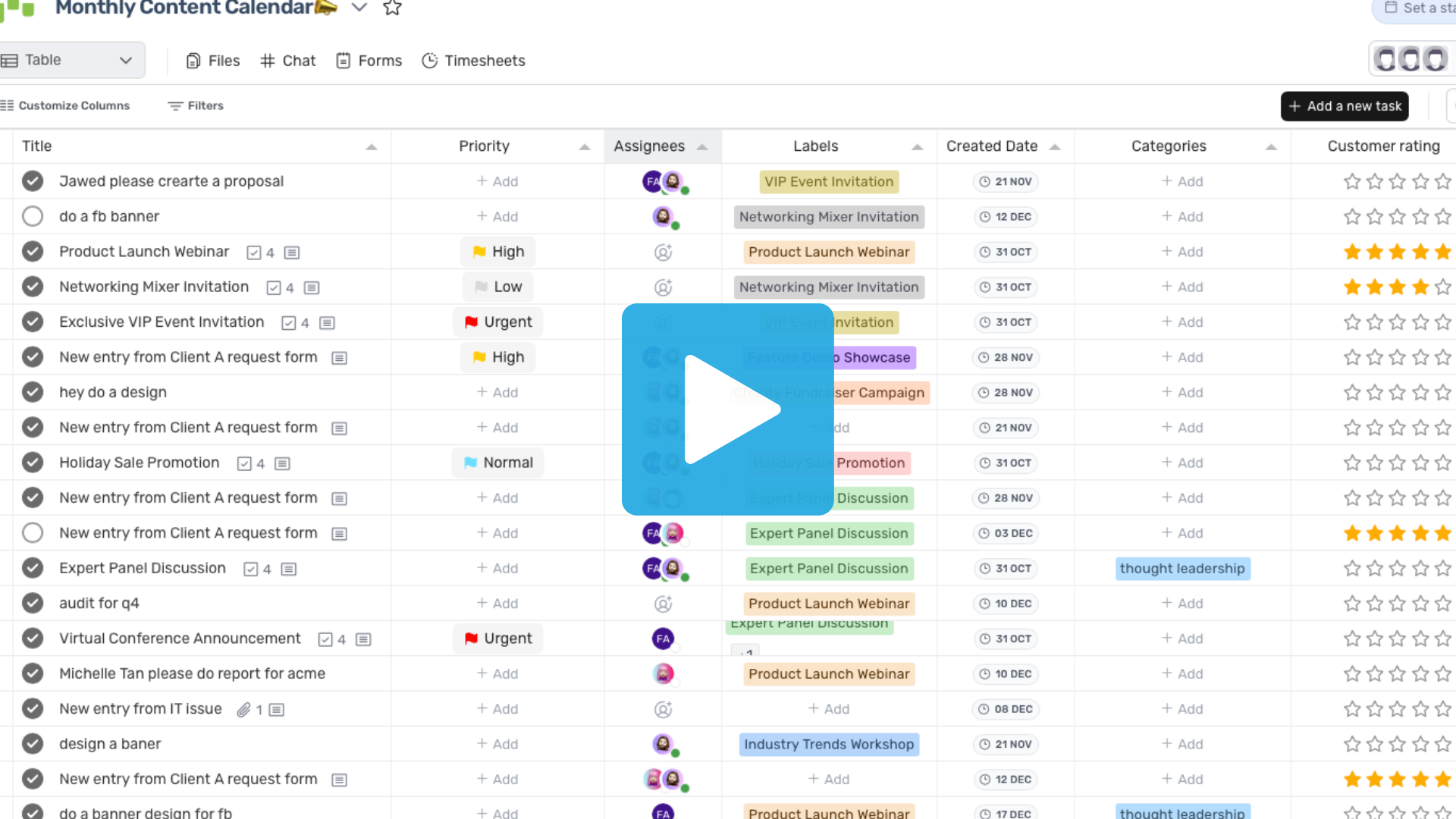
0:29m Show or hide columns to focus on what matters most.
Updating your user profile
0:24m Update your personal details and preferences in just a few clicks.
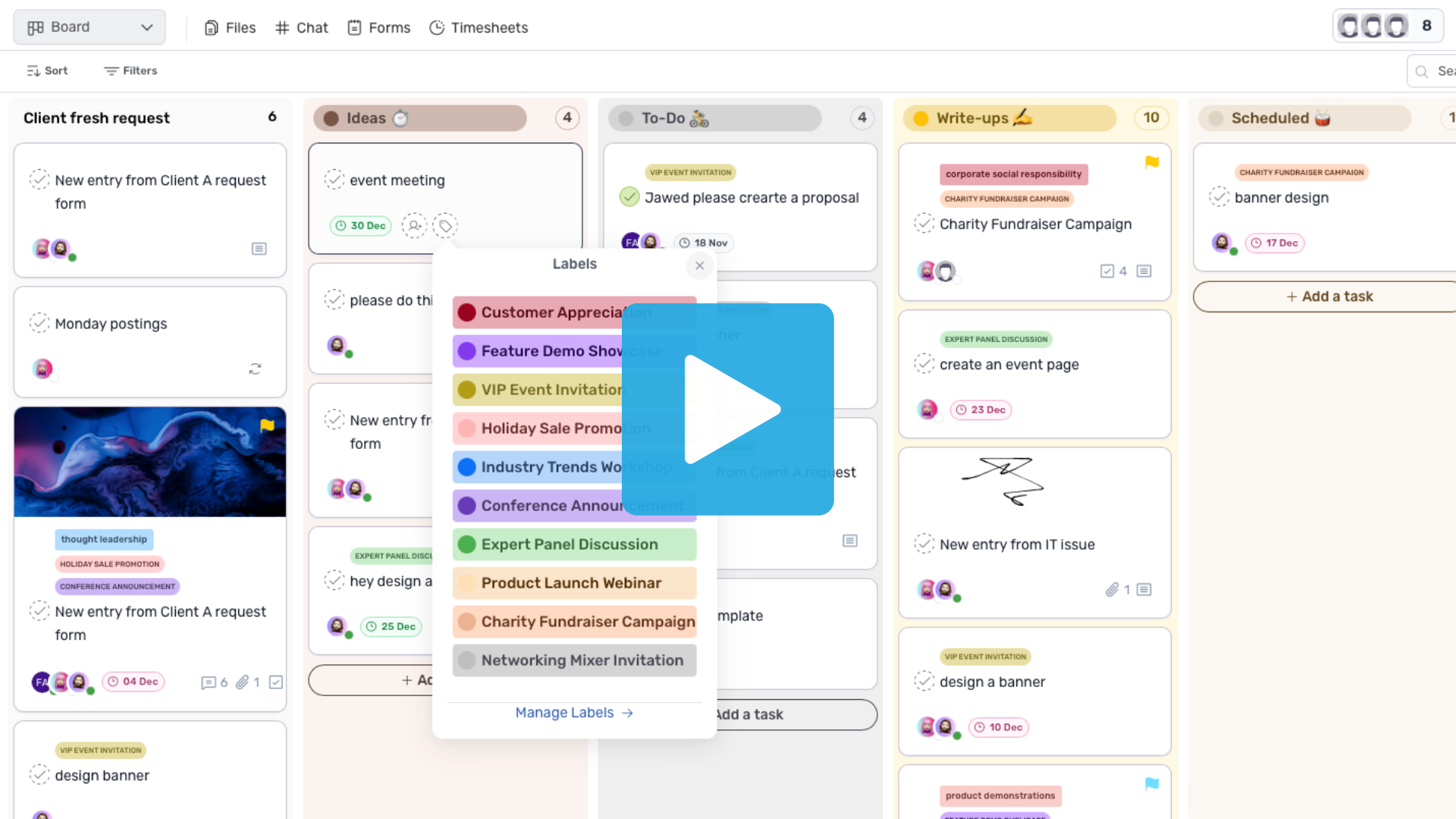
Customizing labels/categories
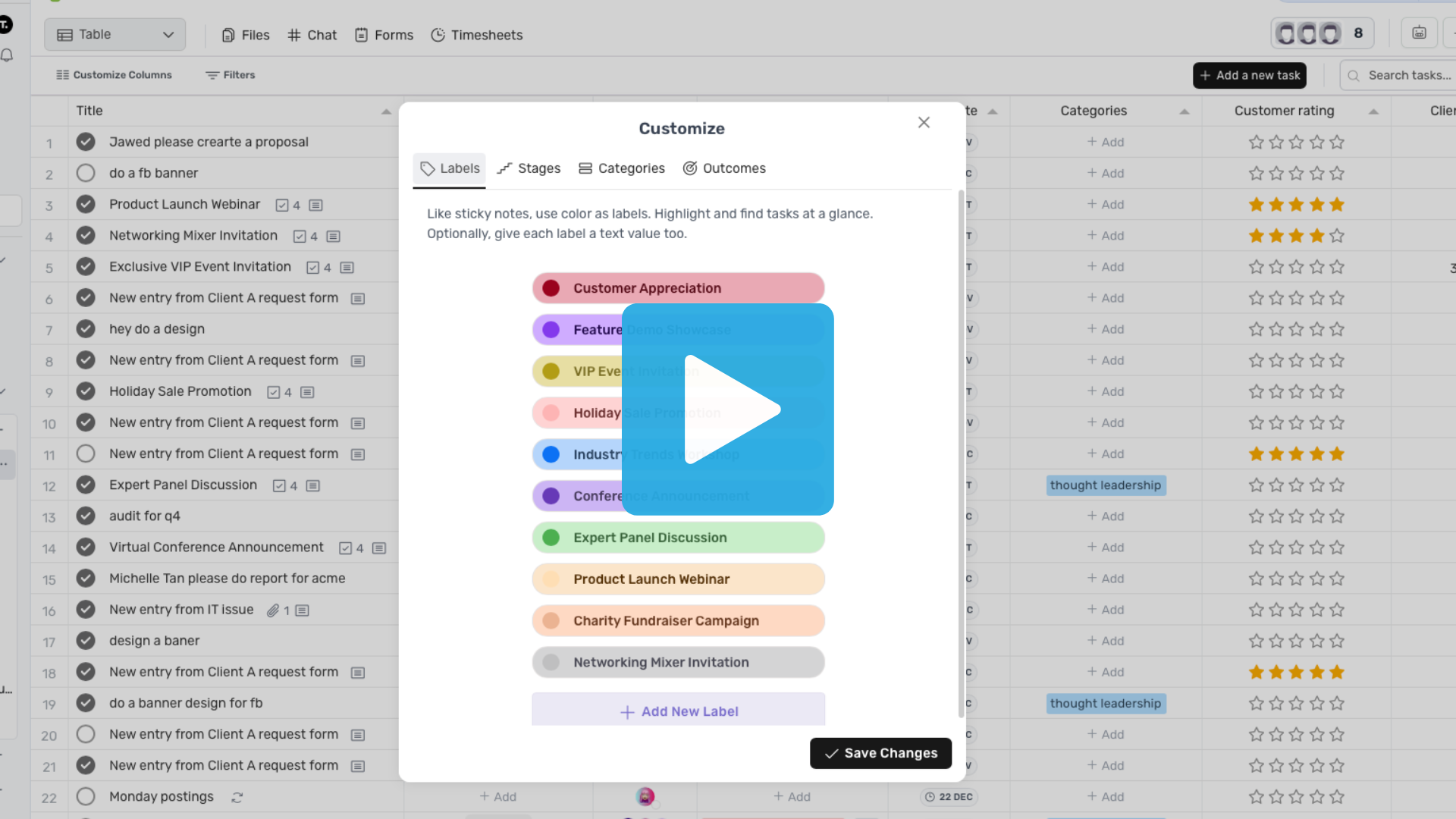
1:13m Create labels and categories to organize tasks your way.
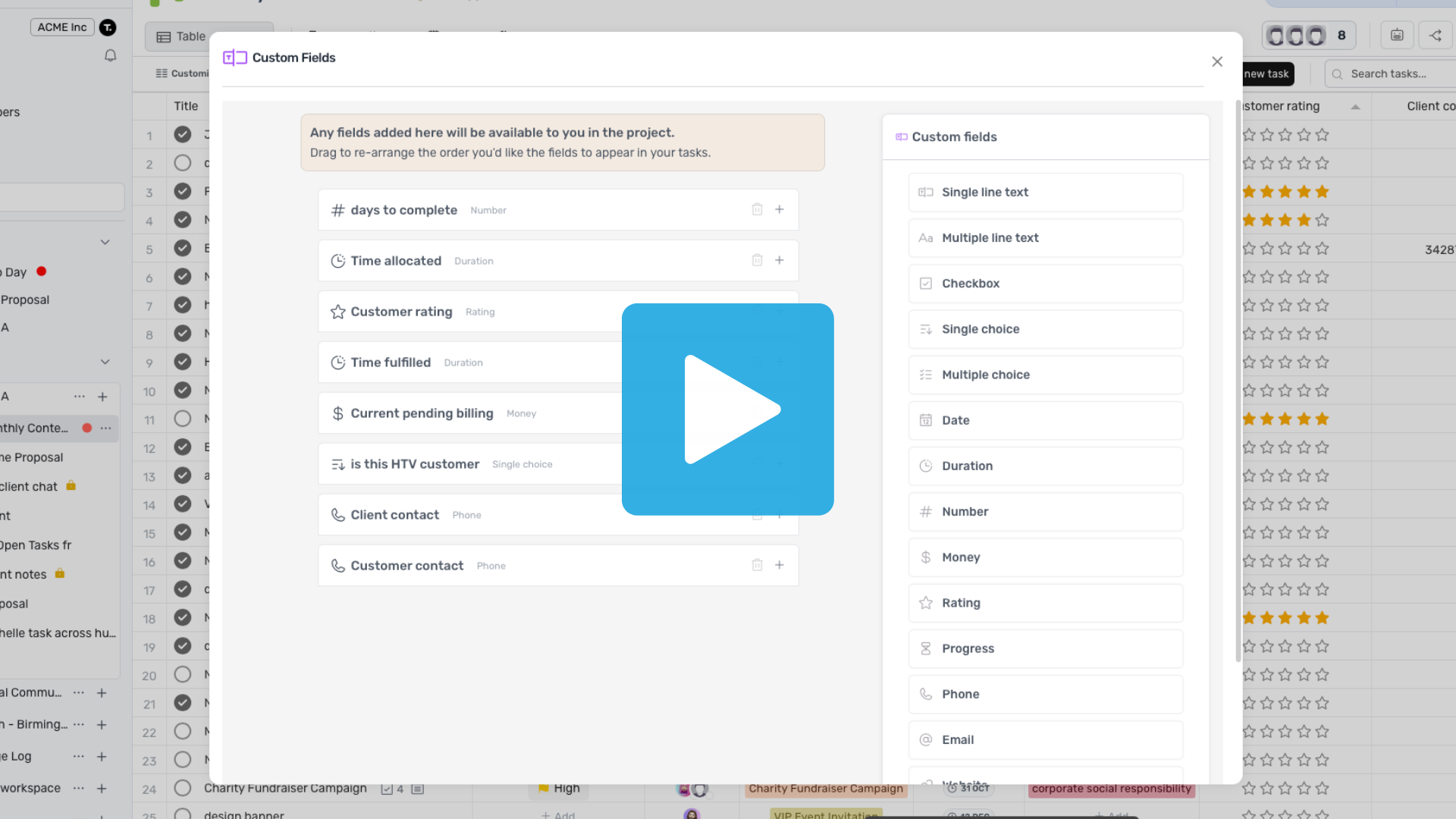
Creating custom fields
0:52m Add custom fields to capture extra details for your tasks.
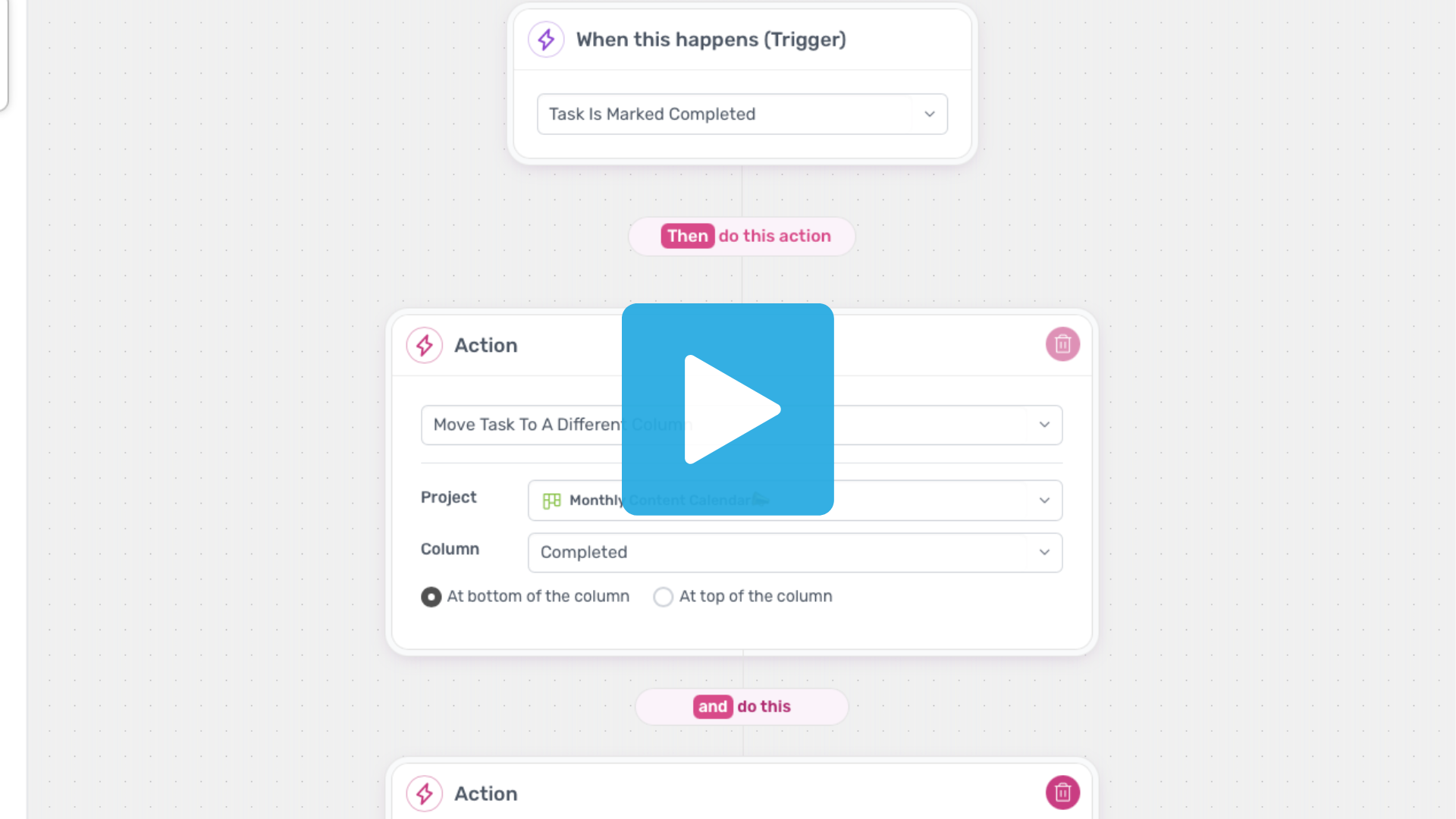
Creating automations
01:04m Automate repetitive actions and save time on everyday work.
Customizing a panorama view
1:05m Build high-level views to track multiple projects at once.
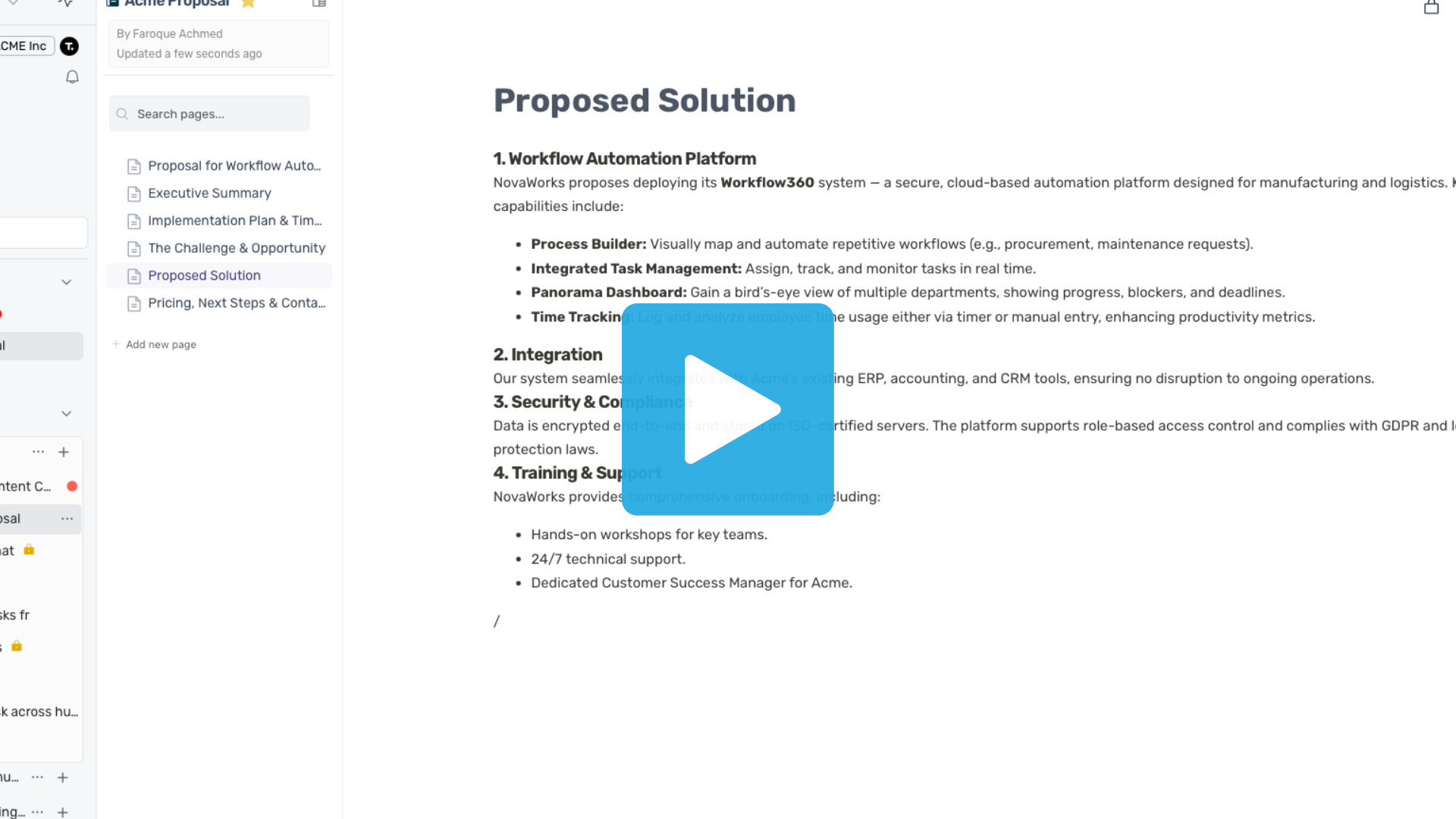
Creating documents
1:08m Create and edit documents to collaborate with your team in one place.
Using the chat feature
1:11m Chat with your team and keep conversations connected to your work.